Changing your Time Zone in Humanity
This article will show you how to ensure that your Humanity time settings are set for your correct time zone; please follow the steps below.
Images in articles can enlarge for better visuals by clicking on them.
Setting your Humanity Time Zone
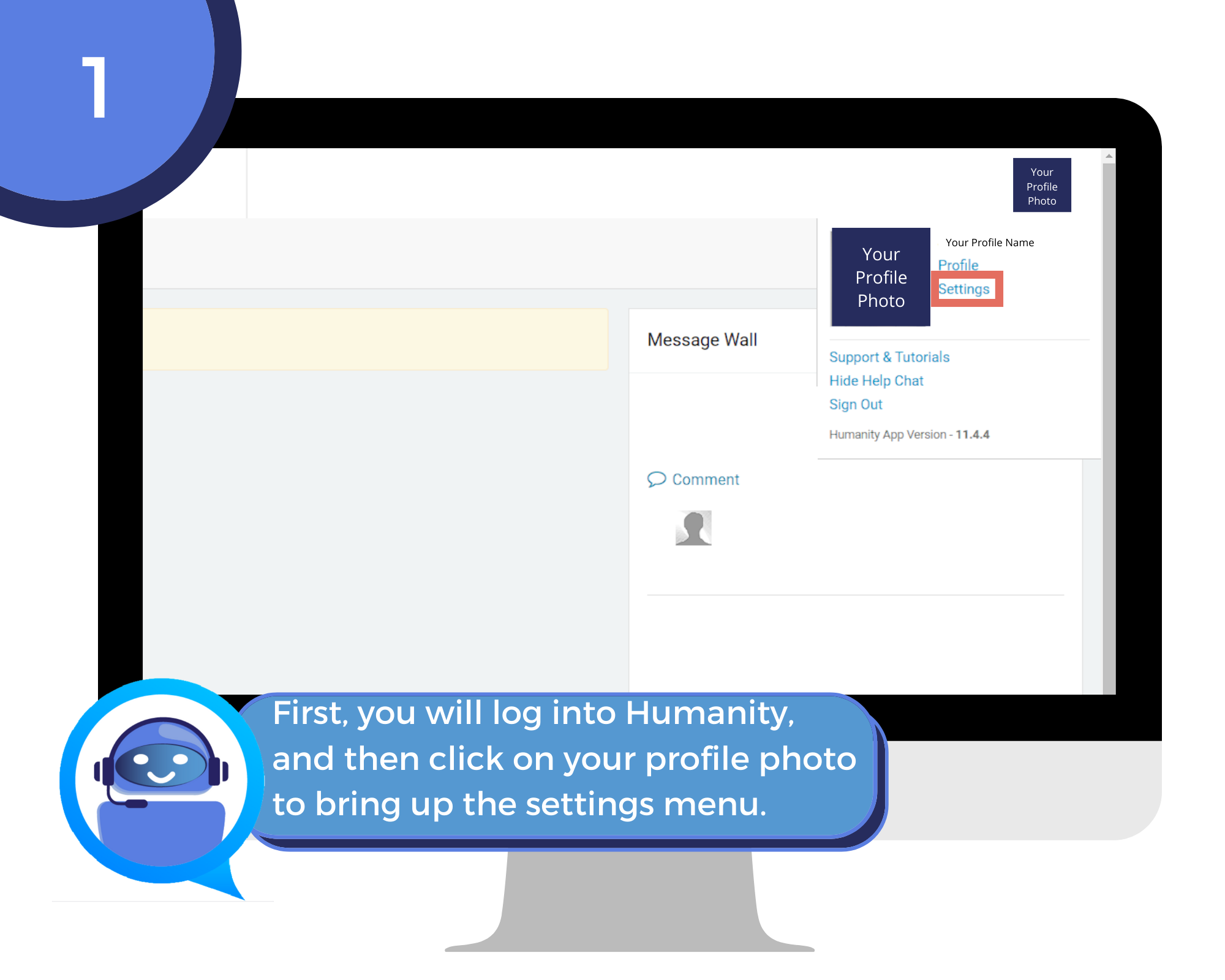
Step 1: Open Humanity, then click your profile photo and Settings.
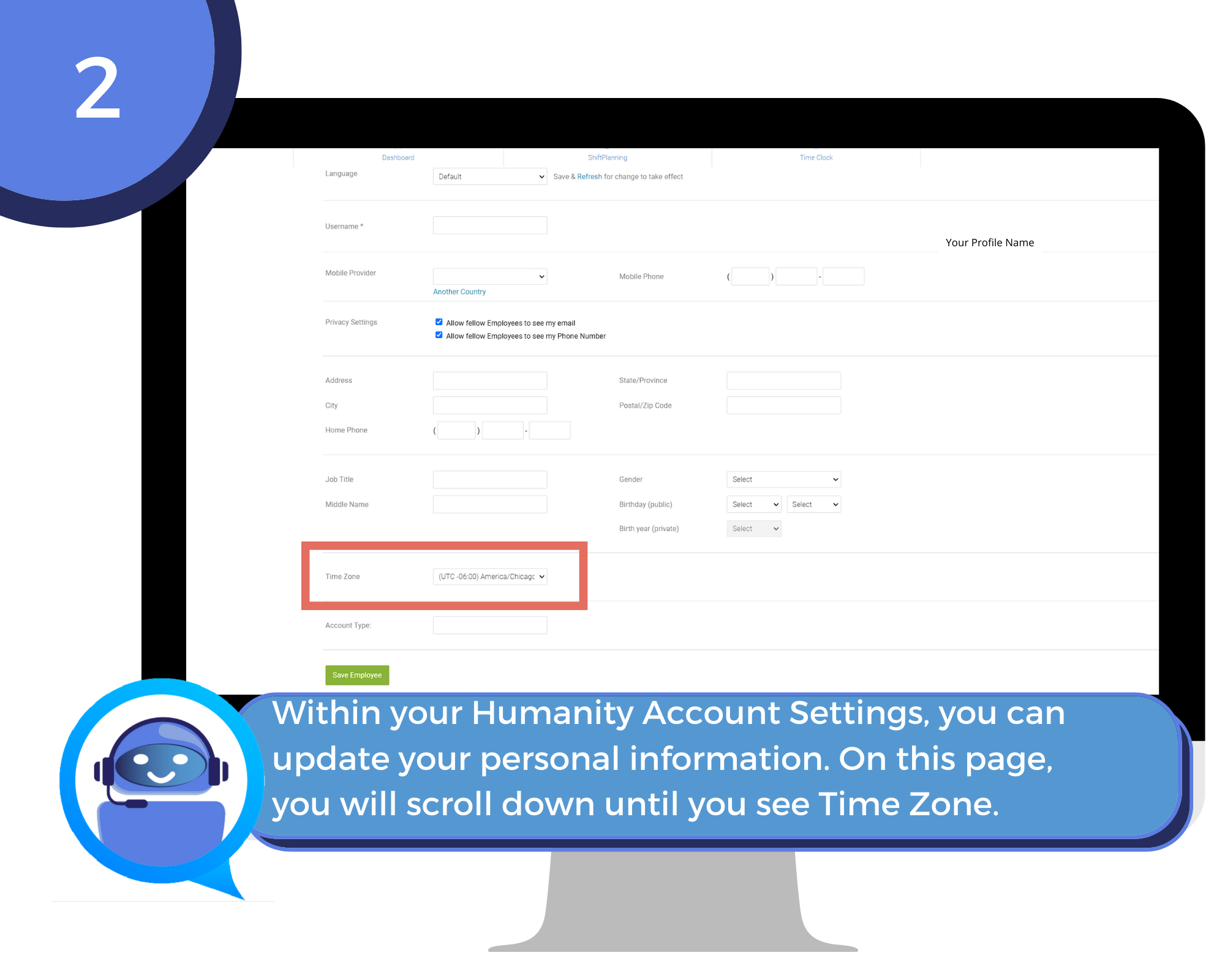
Step 2: Under Settings, you can view and edit the
following fields: Address Home
phone Gender Birthday Time Zone.
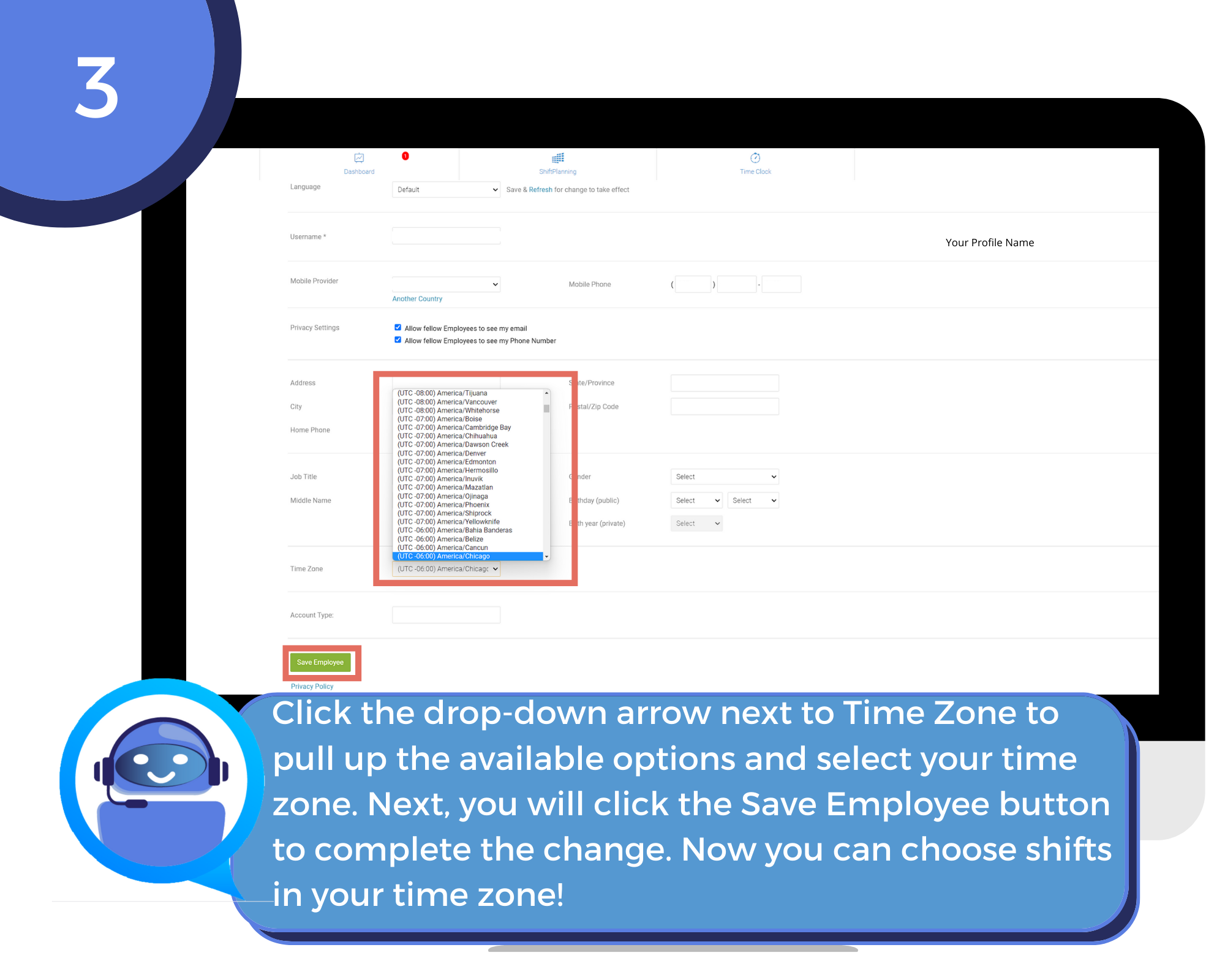
Step 3: Click the drop-down and select the time zone
that reflects the zone that you are in. This will make selecting shifts much
easier for you!